
Smart home ideas for beginners don’t have to be expensive. Discover 7 budget-friendly upgrades, room-by-room tips, and real mistakes to avoid.

After eight years writing about home decor and personally wiring, unplugging, resetting, and occasionally cursing at more gadgets than I’d like to admit I’ve learned one truth about this space: most smart home ideas for beginners fail not because the technology is bad, but because beginners start in the wrong place.
They buy a $200 video doorbell before they’ve solved their Wi-Fi dead zone. They automate every light in the house before they’ve tested a single routine. They buy three brands of bulbs, install three apps, and then conclude that smart homes are “not for them.” I know, because I was that person in 2017.
This article is the guide I wish someone had handed me. I’m going to walk you through the 7 smart home ideas for beginners that genuinely make daily life easier, in the exact order I’d recommend to a friend plus a step-by-step process, room-by-room scenarios, budget guidance, and the specific mistakes I made so you don’t repeat them.
If you’re a complete beginner, you’re in the right place. Pour a coffee. Let’s build this properly.
Why Most Smart Home Ideas for Beginners Fail (And How to Avoid It)
Here’s what nobody tells you: the best smart home ideas for beginners aren’t about having the most devices. They’re about removing small frictions from your day.
The mistake I see constantly and made myself is buying gadgets in isolation rather than as a system. In 2018, I bought three smart bulbs from one brand, a smart plug from another, and an indoor camera from a third. None of them talked to each other. I had three apps for three devices, three different setup processes, and three different ideas about what “automation” meant. My so-called smart home made my life more complicated, not less. My partner started calling it “the app drawer.”
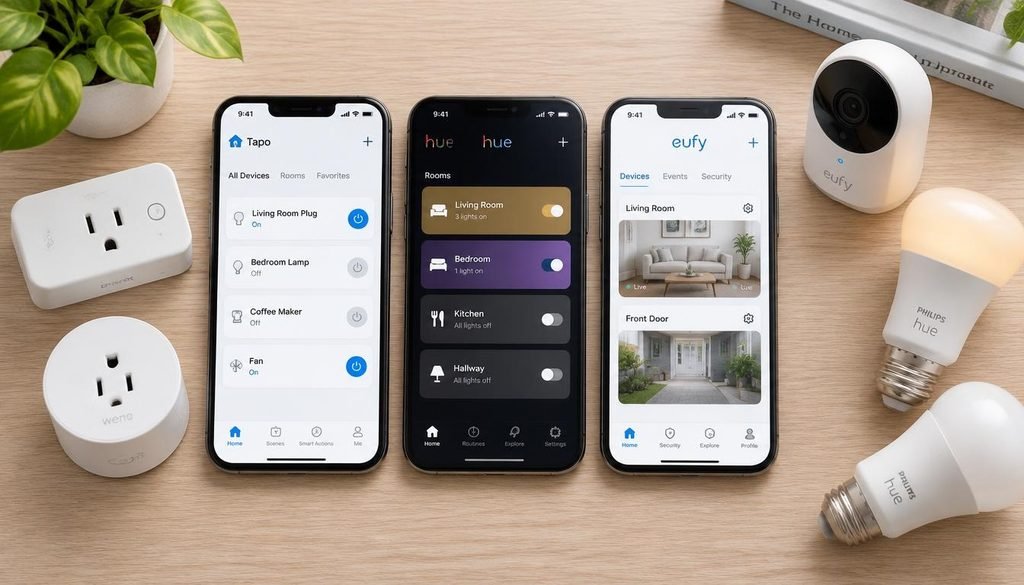
The fix is simple, and it shapes every recommendation in this article: choose one ecosystem first, then add devices that live inside it. Whether that’s Amazon Alexa, Google Home, or Apple HomeKit, the platform you pick becomes the connective tissue. Every good list of smart home ideas for beginners starts with that decision, not with a shopping cart.
There’s a second reason these projects fail: people try to automate the whole house in a weekend. A smart home is not a renovation. It’s a series of tiny, reversible experiments. The beginners who succeed are the ones who treat it like seasoning a dish a little at a time, tasting as they go rather than tipping in the whole jar.
And the third reason? Aesthetics. As a decor writer, this is the one that pains me most. A smart home that looks like a tangle of black cables and blinking LEDs is not a home anyone wants to live in. Beautiful smart home ideas for beginners exist you just have to plan for them instead of letting the hardware plan for you.
What “Smart Home” Actually Means for a Complete Beginner
Before we get to the list, let’s clear up a misconception that trips up almost every beginner.
“Smart home” does not mean a house that runs itself. It means a house where a handful of small, repetitive tasks happen without you thinking about them. That’s it. That’s the whole promise.
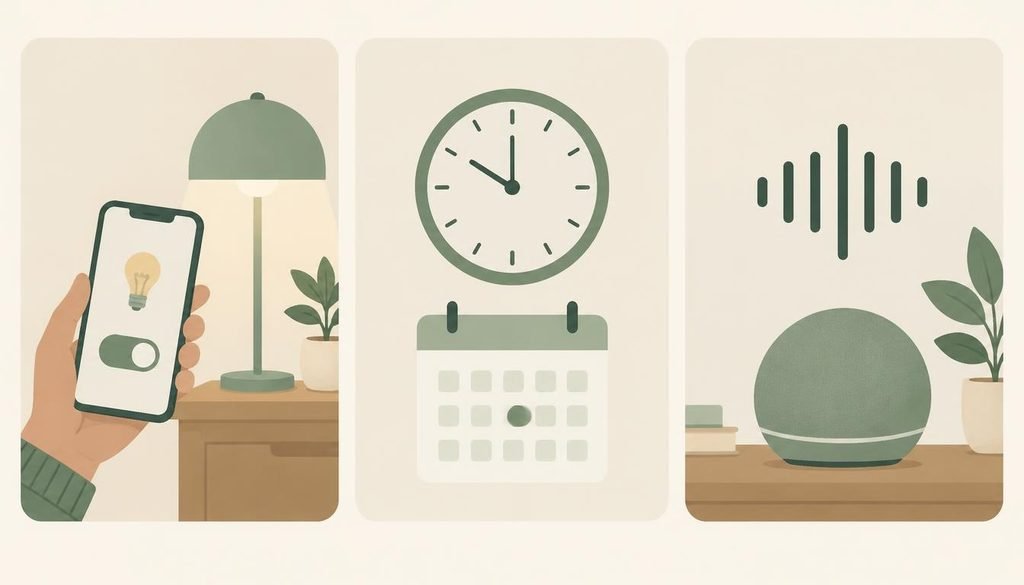
In practical terms, a beginner smart home usually means three capabilities:
- Remote control – you can turn something on or off from your phone, wherever you are.
- Scheduling – something happens at a set time, every day, without you.
- Voice or routine triggers – one command sets several things in motion at once.
Notice what’s not on that list: robots, holograms, and talking fridges. The best smart home ideas for beginners are almost embarrassingly modest. A lamp that comes on at dusk. A thermostat that turns down when you leave. A doorbell that tells you a parcel arrived. That’s the whole game.
Once you understand that, the entire category becomes far less intimidating and far cheaper. Most of the smart home ideas for beginners in this article cost less than a nice dinner out.
7 Smart Home Ideas for Beginners to Start With Today
These are ordered from easiest and cheapest to most involved. You do not need all seven. Most people I’ve helped are genuinely happy after the first three and honestly, I could have stopped at number two and been fine.
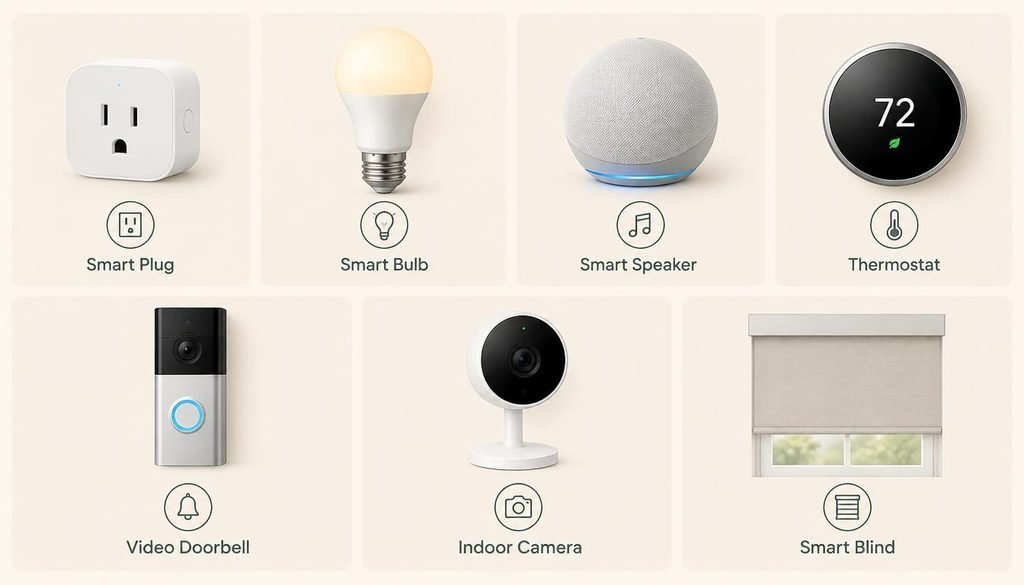
1. Smart Plugs: The Cheapest Way In
If you only take one thing from this list of smart home ideas for beginners, take this: buy a two-pack of smart plugs before anything else.
A smart plug turns any dumb appliance a lamp, a coffee maker, a fan, a string of fairy lights, a holiday tree into something you can schedule and control from your phone. It requires no wiring, no hub in most cases, and about four minutes of setup. Mine cost me less than two coffees, and I still use them daily six years later.
The decor benefit is genuinely underrated. I have a plug on the floor lamp in my reading corner, scheduled to warm up at 6:30 p.m. every evening from October through March. The room feels different when I walk in it’s already glowing, already inviting. That’s the kind of small, high-impact smart home ideas for beginners that actually stick, because you notice the benefit every single day.
Practical tip: label your plugs in the app the moment you set them up. “Living room lamp,” not “Plug 1.” Trust me three months from now, you will not remember which is which, and you’ll be switching the coffee maker on at 7 a.m. on a Saturday.
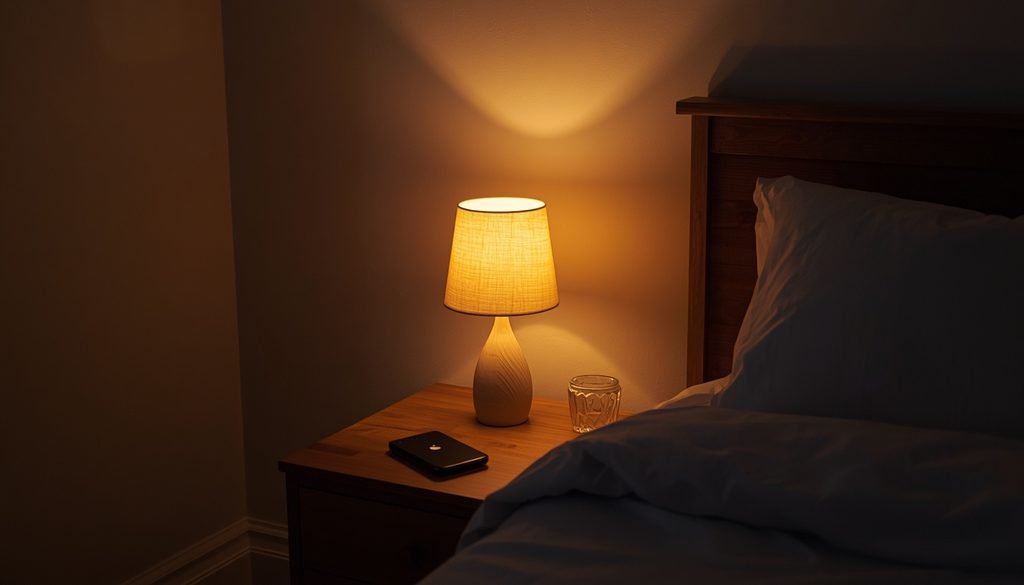
Room-by-room example: In the bedroom, a smart plug on a bedside lamp plus a routine that turns it off at 11 p.m. is a gentle, screen-free nudge toward winding down. In the living room, a plug on a floor lamp paired with a sunset schedule means you never come home to a dark house again.
Smart Plug: Check Tuya WiFi Smart Plug Deals on AliExpress
2. Smart Bulbs: Where Aesthetics Meet Automation
As a decor writer, this is my favorite category. Smart bulbs let you tune color temperature warm 2700K for evening, cooler 4000K for working and dim without installing a dimmer switch. For renters especially, this is a revelation: you get the layered lighting of a designer home without touching the wiring.
Start with one bulb, not six. Put it in the lamp you use most. Live with it for two weeks before you buy more. This is the single most repeated piece of advice in every guide to smart home ideas for beginners, and it’s repeated because it works.
My real mistake: I bought the cheapest bulbs I could find, then discovered they needed a proprietary hub that cost more than the bulbs themselves. I opened the box, read “hub required,” and said a word I won’t repeat here. Check the box for “Wi-Fi” or confirm hub compatibility before you buy. This is the most common trap in smart home ideas for beginners, and it’s entirely avoidable with thirty seconds of reading.
Practical tip: match your bulb’s color temperature to the room’s existing warm lighting. If your other lamps are 2700K, don’t put a 5000K daylight bulb in the same room it’ll look like a dentist’s office. Consistency is what makes smart lighting look designed rather than dumped in.
Room-by-room example: In a home office, a smart bulb that shifts from cool in the morning to warm in the evening is a surprisingly effective cue for focus and wind-down. In a hallway, a bulb that dims to 20% after 10 p.m. saves you from blinding yourself on a midnight glass of water.
Smart Bulb: Shop Tuya E27 RGB & Warm White Smart Bulb

3. A Smart Speaker: Your Control Center
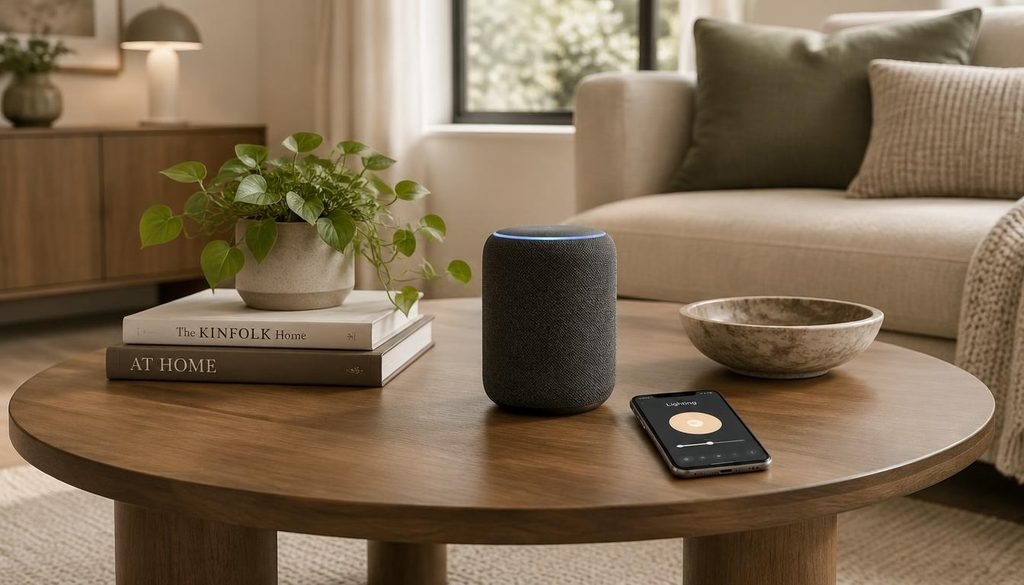
A smart speaker does two jobs: it gives you voice control, and it often acts as the beginner-friendly brain for your devices. For many people, it’s the moment the whole concept clicks you say “turn off the lights,” and the room goes dark. It feels like a small piece of magic.
Placement matters far more than people think. Put it where you naturally stand still the kitchen counter, the entryway console, the nightstand. A speaker buried behind a sofa or tucked in a corner is a speaker you’ll stop using within a month. This is one of those smart home ideas for beginners that sounds trivial until you’ve lived with a badly placed one (I have, and I kept shouting at a corner for three weeks).
Practical tip: if you’re choosing an ecosystem, let the speaker decide it. If you’re an iPhone household, an Apple HomePod or HomePod mini makes sense. If you use Android or want maximum device compatibility, a Google or Alexa speaker is the friendlier starting point. Don’t buy a speaker from one ecosystem and devices from another and expect them to get along I tried, and the result was a lot of shrugging.
Room-by-room example: In the kitchen, a speaker doubles as a timer, a shopping-list keeper, and a podcast player while you cook the most genuinely useful placement in the house. In the entryway, it can deliver a morning briefing and turn on the hall light as you head out the door.
Smart Hub: Explore Tuya Universal IR Smart Hub
4. A Smart Thermostat: The One That Pays You Back
Smart thermostats are the rare upgrade that can offset its own cost through energy savings. They learn your schedule and stop heating or cooling an empty house which, over a winter, is real money.
Before you buy, photograph your existing thermostat wiring and check whether you have a C-wire. I didn’t, and I spent an hour on the phone with support on a Sunday afternoon, holding a tiny screwdriver and questioning my life choices. Great smart home ideas for beginners always include a five-minute pre-purchase check like this.
Practical tip: if you rent, look for a thermostat that doesn’t require permanent rewiring, or simply skip this one until you own. There are plenty of other smart home ideas for beginners on this list that are renter-friendly don’t force this one.
Room-by-room example: The thermostat’s real value shows up in bedrooms and living rooms, where comfort matters most. A schedule that warms the bedroom an hour before bedtime and the living room an hour before you get home makes the house feel cared for, without you doing anything.
Smart Thermostat: See Tuya WiFi Smart Thermostat Options
5. A Video Doorbell: Practical Peace of Mind
For anyone who works from home, gets a lot of deliveries, or lives on a busy street, a video doorbell is one of the most genuinely useful smart home ideas for beginners. You see who’s there without getting up, you can talk to a courier from your desk, and you get a record of what happened at your front door.
Two things I’d flag before you buy. First, check your Wi-Fi signal at the front door mine was a dead zone, and the doorbell kept dropping out until I added a cheap mesh node near the hallway. Second, if you rent, choose a battery-powered model so you don’t have to drill into the door frame. Small decisions, big difference.
Practical tip: angle your doorbell so it captures faces, not just the tops of heads. Most models come with a small wedge mount for exactly this it’s an easy fix that too many people skip.
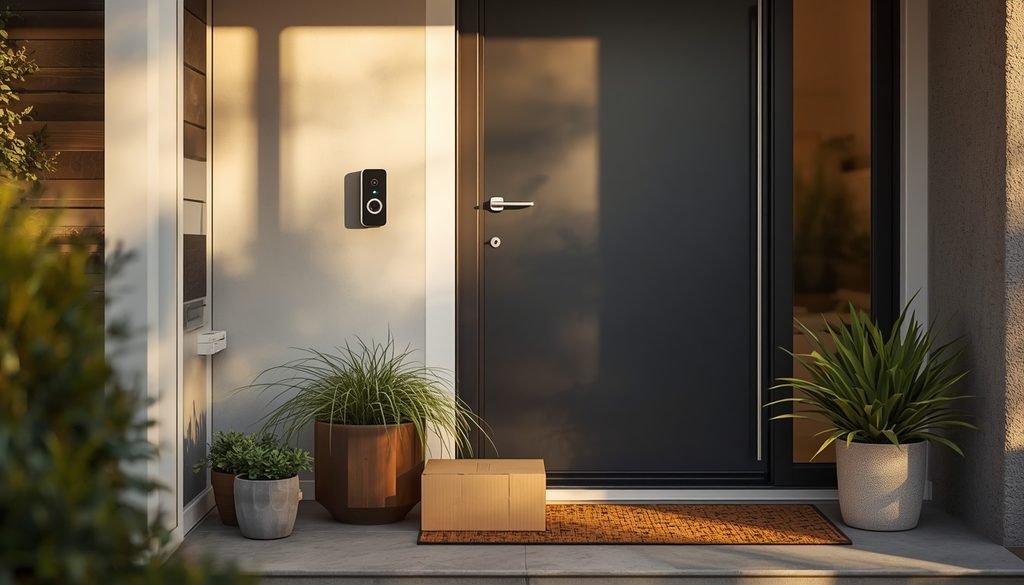
Room-by-room example: The entryway is the natural home for this one, and it pairs beautifully with a smart bulb or plug — a doorbell press that turns on the hall light is a genuinely thoughtful touch when you’re away.
Video Doorbell: View Wireless Battery Video Doorbell Camera
6. An Indoor Camera: For Pets, Packages, and Peace of Mind
Indoor cameras are inexpensive now and surprisingly reassuring. I use mine to check on my dog when I’m out and to confirm the back door is actually shut a small thing that saves me a lot of second-guessing.
The decor tip: treat the camera like a small object of decor. Angle it deliberately, cable-manage it properly, and don’t leave it dangling off a shelf. Beautiful smart home ideas for beginners should never look like a tangle of wires and blinking lights. I mounted mine on a small shelf beside a plant, and most guests don’t even notice it.
Practical tip: place cameras in shared spaces, not bedrooms or bathrooms, and be transparent with anyone who lives with you. A camera your partner doesn’t know about is a relationship problem, not a smart home upgrade.
Room-by-room example: In the living room, a camera pointed at the sofa and the back door covers pets and parcels in one view. In a home office, one aimed at the door gives you a sense of the house while you’re on calls in another room.
Indoor Camera: Check Indoor Pan & Tilt WiFi Camera
7. Smart Blinds: The Aspirational Upgrade
If you want one “wow” piece, make it smart blinds. They open at sunrise and close at dusk which, in a west-facing room, is a genuine comfort upgrade during summer. No more squinting at your laptop at 4 p.m.
This is the most expensive item on the list and the one I’d save for last. But it’s also the item guests notice most. Of all the smart home ideas for beginners I’ve recommended, this is the one that consistently gets the “wait, your blinds did that on their own?” reaction.
Practical tip: measure twice, and check whether your window recess can accommodate the motor housing. Some smart blinds need a specific depth, and returns on custom blinds are painful. If you’re not ready to commit, a smart plug on a motorized roller is a cheaper, less permanent alternative.
Room-by-room example: In a west-facing living room, blinds that close at 3 p.m. in summer cut glare and heat without you lifting a finger. In a bedroom, blinds that open gently at sunrise are a far kinder alarm than a phone.
Smart Blinds Motor: See Tuya Smart Roller Shade Chain Motor
Room-by-Room: How These Smart Home Ideas for Beginners Play Out in Real Homes
Lists are useful, but homes are specific. Here’s how the 7 smart home ideas for beginners translate into actual rooms and which ones to prioritize depending on how you live.
The living room. This is where most people should start. A smart plug on a floor lamp, one smart bulb in a reading corner, and a speaker on a side table is a complete, satisfying beginner setup. Add a routine called “Evening” that dims the lights and plays a playlist, and you’ll wonder why you waited.
The bedroom. Prioritize lighting and comfort. A smart bulb that warms and dims after 9 p.m., plus a plug on a bedside lamp, is a gentle, screen-free wind-down. If you have smart blinds, this is the room where they earn their keep.
The kitchen. Function over form here: a speaker for timers and podcasts, and a smart plug on the coffee maker so it’s ready when you stumble out. Some of the most practical smart home ideas for beginners live in this room, simply because kitchens are where we repeat the same small tasks every day.
The entryway. A video doorbell and a smart bulb that turns on when someone presses it. That’s the whole setup, and it makes coming home feel considered.
The home office. A smart bulb that shifts color temperature through the day, and an indoor camera pointed at the door if you want to keep an ear on the rest of the house. If you take a lot of calls, a speaker that mutes your smart devices on command is a quiet lifesaver.
The bathroom. Honestly? Skip it for now. This is the room where beginners over-invest and under-benefit. A smart bulb that turns on warm at night is plenty, and anything more is gadgetry for its own sake.
How to Start With Smart Home Ideas for Beginners: A Step-by-Step Roadmap
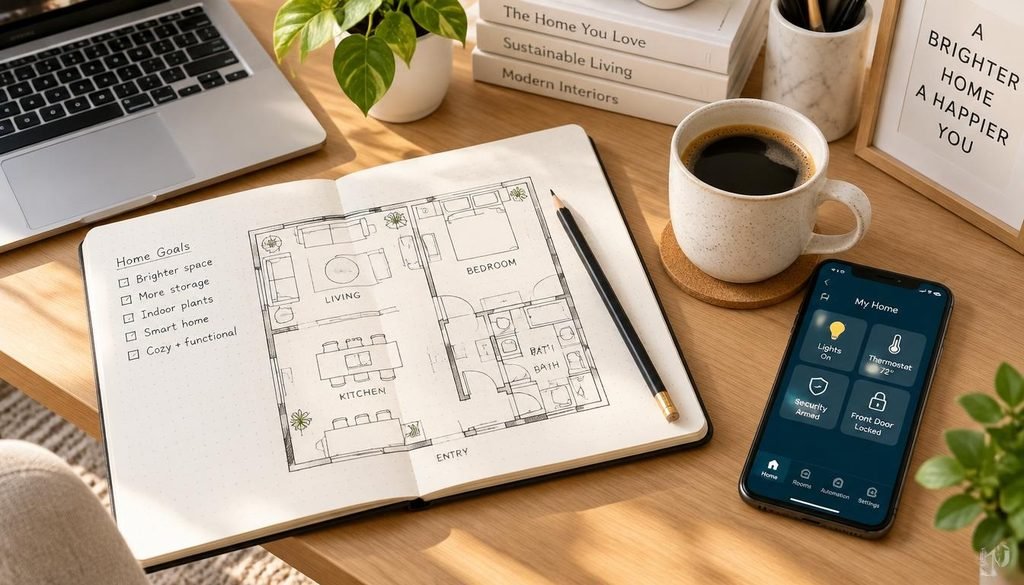
Here’s the exact order I now recommend to every beginner, refined over eight years of trial and error.
Step 1: Audit your Wi-Fi. Before buying anything, test signal strength in the rooms you care about most. Walk around with your phone and note where it drops to one bar. Almost every “my device keeps disconnecting” complaint I’ve heard traces back to this. Most smart devices run on 2.4GHz, which travels further than 5GHz but is more congested so if your router splits the bands, you may need to switch to the 2.4GHz network during setup.
Step 2: Pick your ecosystem. Choose Alexa, Google, or Apple based on the phone in your pocket. Don’t overthink it just commit, because mixed ecosystems are where smart home ideas for beginners go to die. Write it down. Tell your household. Then buy only devices that work with it.
Step 3: Choose one room. The bedroom or living room, not the whole house. This is the single most important piece of advice in this entire article. One room gives you a contained experiment with a clear finish line.
Step 4: Buy two devices, not ten. Start with a smart plug and a smart bulb. Live with them for two weeks. Notice what you actually use and what you ignore. That data is worth more than any review.
Step 5: Add one routine. A routine (or “scene”) is a single command that triggers several actions. Mine is “Goodnight” lights off, thermostat down, door check. Building your first routine is the moment the concept clicks. Start with one. Not five.
Step 6: Expand deliberately. Only add a device when you have a specific, recurring annoyance it solves. That discipline is what separates good smart home ideas for beginners from gadget clutter. If you can’t name the annoyance, you don’t need the device.
Step 7: Secure everything. Unique password on your Wi-Fi, two-factor authentication on every account, and firmware updates on. I skipped this for a year. Don’t be me.
Mistakes I Made With Smart Home Ideas for Beginners
I want to be specific here, because vague warnings don’t help anyone. These are the errors I actually made in order of how much they cost me.
I automated too much, too fast. I set a motion sensor to turn on the hallway lights at night. It worked beautifully until a 2 a.m. trip to the kitchen became a disco. Good smart home ideas for beginners start with fewer rules, not more. Add automation only after you understand your own patterns.
I ignored the aesthetics. I ran cables across a hallway because it was convenient. My partner’s reaction was, deservedly, not enthusiastic. Eight years in decor taught me that even functional smart home ideas for beginners must respect the room. Hide the hub, clip the cables, match the finishes.
I bought hub-dependent devices without checking. Twice. The second time, I opened the box in the car park and read “hub required” out loud, to nobody. Please check before checkout.
I didn’t plan for guests. My first setup confused everyone who visited. Now I keep one simple physical switch that always works. The best smart home ideas for beginners are the ones that degrade gracefully when the app fails.
I chased new gadgets instead of solving problems. For a year, I bought whatever was on sale. Most of it now sits in a drawer. The devices I still use daily are the ones that solved something specific the lamp that’s always on when I get home, the doorbell that catches deliveries, the thermostat that stops heating an empty house.
Budgeting Your Smart Home Ideas for Beginners
You do not need to spend a lot. Here’s how I’d allocate a beginner budget, based on what actually gets used in my own home.
- Under $100: Two smart plugs and two smart bulbs. This alone covers 80% of the satisfaction.
- $100–$250: Add a smart speaker and one indoor camera.
- $250–$500: Add a smart thermostat or video doorbell.
- $500+: Only now consider smart blinds or locks.
The pattern that works: spend small, learn fast, upgrade what you actually use. Anyone telling you to spend $2,000 in month one is not giving you realistic smart home ideas for beginners.
A note on sales. Prime Day, Black Friday, and January sales are genuinely good times to buy smart plugs, bulbs, and cameras. But don’t let a discount talk you into a device you hadn’t already decided you wanted. The cheapest gadget you never use is still expensive.
If you want to try any of the devices featured in this guide, here are budget-friendly options to explore on AliExpress:
Want to test these beginner-friendly upgrades without overspending? Here are budget picks on AliExpress you can check out:
- Automate Lamps & Coffee Makers with a Tuya WiFi Smart Plug — An effortless first step with zero wiring.
- Set the Mood with a Tuya WiFi Smart Bulb (E27 RGB & Warm White) — Easy color and dimming control for cozy evenings.
- Centralize Control with a Tuya IR Remote Universal Smart Hub — A handy way to bring remote-controlled devices together.
- Save Energy with a Tuya WiFi Smart Thermostat — Smart temperature scheduling once you confirm your wiring.
- Spot Deliveries Early with a Wireless Battery Video Doorbell Camera — Rental-friendly front-door visibility without heavy installation.
- Watch Pets & Rooms with an Indoor WiFi Security Camera (Pan & Tilt) — Wide-angle monitoring for everyday peace of mind.
- Upgrade Shades Smoothly with a Tuya Smart Roller Shade Chain Motor — A clean way to motorize existing roller blinds over time.
Keeping Your Smart Home Safe: The Beginner’s Privacy Checklist
This is the part most smart home ideas for beginners articles skip, and it’s the part that matters most.
- Change the default password on your router, and give your smart devices their own guest network if your router supports it.
- Turn on two-factor authentication for every smart home account. Every one.
- Update firmware when prompted. Yes, it’s annoying. Do it anyway.
- Buy from established brands with a clear privacy policy. A suspiciously cheap camera is cheap for a reason.
- Cover or disable indoor cameras when you’re home, and never place them in bedrooms or bathrooms.
- Tell everyone in your household what’s connected and where. Transparency is part of the setup.
None of this is complicated, and all of it takes less than an afternoon. Consider it the unglamorous foundation under every good list of smart home ideas for beginners.
FAQ: Smart Home Ideas for Beginners
Do smart home ideas for beginners require a hub?
Not always. Many plugs, bulbs, and cameras connect directly to Wi-Fi. Hubs are more common for locks, sensors, and Thread/Matter devices. Check before buying and if you’re unsure, ask in the store or check the product listing’s compatibility section.
Will smart devices work if the internet goes down?
Some will, some won’t. Local routines tend to keep working; cloud-dependent features usually don’t. Keep at least one “dumb” light switch functional, and don’t put every lamp on a smart plug.
What’s the best first purchase?
A smart plug. It’s cheap, reversible, requires no wiring, and teaches you the app workflow without risk. It’s the first recommendation in every responsible list of smart home ideas for beginners for exactly that reason.
How long does setup take?
A smart plug takes about four minutes. A bulb takes five. A doorbell or thermostat takes thirty to sixty minutes, mostly because of mounting and wiring checks. Budget an afternoon for your first two devices, including app setup.
Can I do these smart home ideas for beginners in a rental?
Yes plugs, bulbs, speakers, cameras, and battery-powered doorbells are all renter-friendly. Smart thermostats and wired doorbells are the ones to skip unless your landlord agrees.
Final Thoughts on Smart Home Ideas for Beginners
The best smart home ideas for beginners are the ones you barely notice a lamp that’s already on when you walk in, a thermostat that’s already adjusted, a doorbell that tells you the parcel arrived, blinds that open gently with the sun.
Start with one room. Buy two things. Add one routine. Then expand, slowly, with intention.
I’ve spent eight years writing about how homes look and how they feel, and the truth is that the two are connected. The smart home ideas for beginners I’ve shared here are the same ones I recommend to friends over dinner, and they’re the ones that survived my own trial, error, and 2 a.m. disco hallway. They’re modest. They’re affordable. And they work.
You don’t need a house that runs itself. You need a house that meets you halfway. Start with the lamp in the corner, and go from there.
Share to Help